Lesson 03 | Tools for the Trade

Lesson 03 | Tools for the Trade

All right mama, let's get our books, pencils and uniforms for the start of your trading journey. Now just like any tools you buy your child, there are many different varieties on the market, it's not just one type of pencil right, there are ones with grips, ones that have three side, ones that click, and ones that write in different shades.

Just like that, there are many apps and tools out there to assist you on your journey, these are just the ones that I have been using and that I've become familiar with.

These apps help you trade, store your earnings, keep track of your portfolio and also get more information of what you are trading or buying. You don't have to download all of them or if you already have some apps that you use and are familiar with keep using those. Also, be aware that in different countries, different apps work better with your bank or legislation.

Yup, that does seem like a lot of apps to get going…That's ok because "We can do hard things" ha!

I'll say this again, this is a community of women who are taking this journey into trading and crypto step by step. So just chill, we're going to take this one step at a time. Starting with:

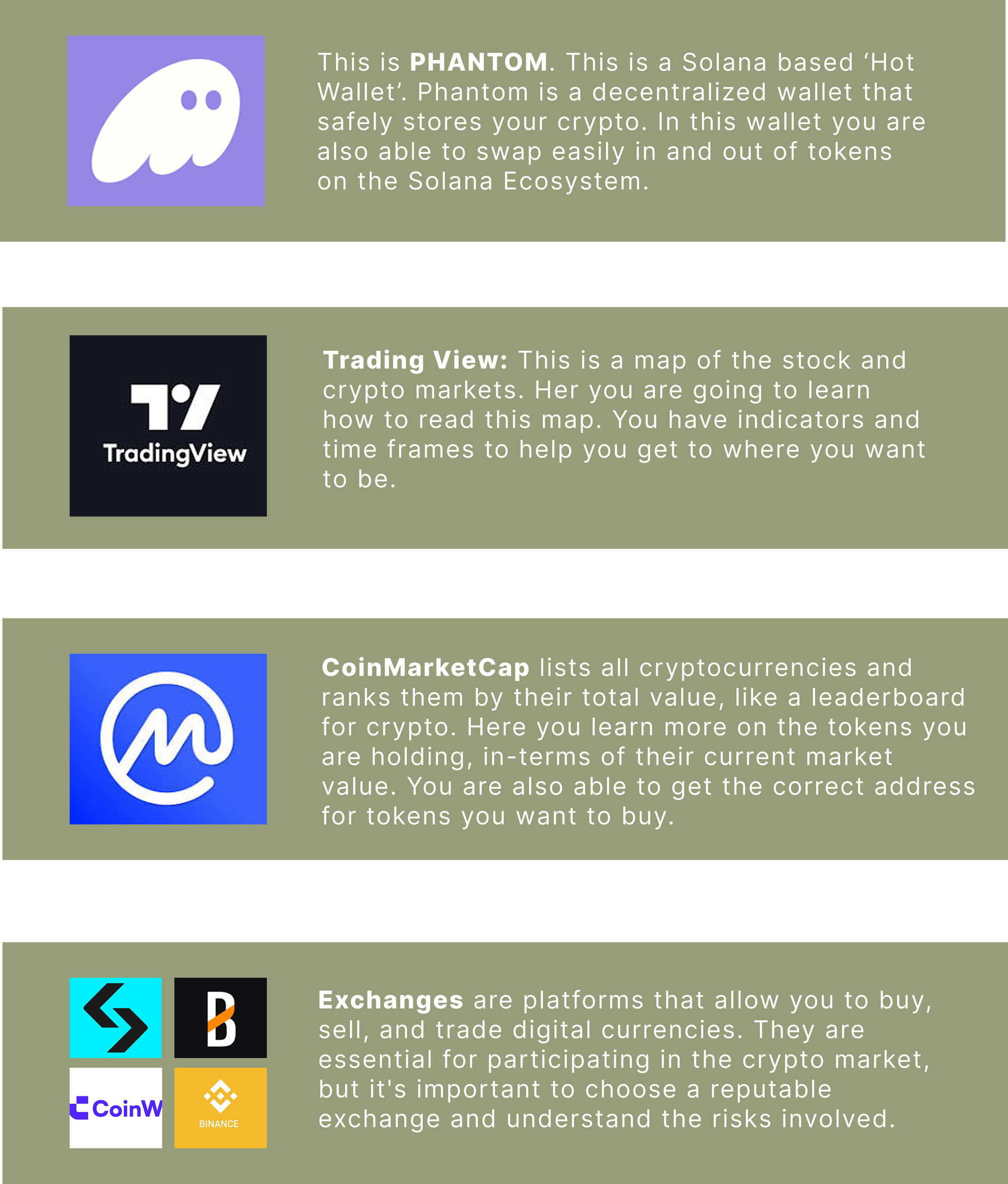
  1. PHANTOM

This is your money-holding wallet and the starting block for getting into crypto. this is a safe and slow option to get your so-called toes wet. So go ahead and download this app. Here is the first important thing to do:

  • Once you have opened and set up the app, you will be given a list of words in a specific order. WRITE THEM DOWN. Take that paper and put it in a safe, write in your favorite book or something…Just guard it with your life. If you lose that, you lose allllll your money, forever! Get the picture…. Go do that now! PLEASE!
  • If you are able to use the $BUY button, go ahead and follow the prompts. Ideally, you want to buy USDC from your bank account. You could even use Apple Pay.
  • If that is not the case then you would need to use an exchange to bridge your $$ into SOL and then send it to your Phantom. (more on that in Lesson 06).
  • Once you have your USDC in your Phantom wallet you are ready to start swapping in and out of Tokens.
  • Manage your token list helps you hide tokens that you are not in. Best to simplify your home screen.
  • Do not use the SWAP button as the fees are a bit higher than actually making use of the built in exchange called JUPITER.

Get the app here: https://phantom.com/

Tutorial on the app: https://www.youtube.com/watch?v=bStvWbUdsMw

  1. TRADING VIEW

This app comes with a monthly or yearly paid plan. I would say that when you understand trading and can read charts a little better, then consider a paid plan. For now, sign up with the free version. In Lesson 08 we set this up with easy-to-use indicators to help you get started.

Get the app here: https://www.tradingview.com/pricing/?share_your_love=drumworx

  1. COIN STATS

I found this app very useful in helping me see my portfolio as a whole, what your realized PnLs or unrealized PnLs are, and then also your portfolio split so you can see where you might be over or under-leveraged in. (PnL = Profits & Losses)

This is also a paid app, but again, only start paying for it once you see the value it is adding to your "business".

Get the app here: https://coinstats.app/

  1. COIN MARKET CAP

If VOUGE is your go-to for fashion, then CoinMarket Cap is your go-to for all things trading market-related. This is where you get token addresses, but most importantly, you see the value of the token and how many of those tokens have been released. This is quite an important tool so I want to show you a little bit more in depth.

We're going to use $DOGE as an example:

  • Market Cap:

This is the total value of a cryptocurrency or company. Generally speaking, a higher market cap means a more established and possibly less volatile token. A lower market cap usually means it's a newish token and has room for growth, but is also more volatile than a more established token.

So for example if we had a $MWT token and it was currently trading at $2 and we only had 1 000 000 tokens to deploy. The Market Cap would be $2,000,000.

{$2 (price per token) * 1,000,000 (total tokens) = $2,000,000 Market Cap}

Knowing the market cap of a token helps you understand its size and value and how it compares to other tokens out there.

  • Market Volume:

This is like the lie detector of a market. Volume can show you if the token is being traded or manipulated. It provides valuable insights into the strength and significance of price movements. High volume accompanied by high buying volume usually means a strong trend to the upside.

  • Circulating Supply and Total Supply:

Circulating supply is how many of the tokens, like $DOGE have been released into the market, compared to how many tokens are actually available over time. So in this example, $DOGE released all its tokens. This means that no more tokens can be "made" therefore the value can't be diluted if there were more tokens to be released.

  • Contract Address:

It's important to get the correct address for a token that you want to buy. The wrong address could lead to some jerk taking all your money. There is not just one $DOGE coin. Naught crypto bros have created other versions to fool you and then sell off everything before you can say "oh shit, wait…!"

So in CMC make sure you have the right token and copy the address into where you are swapping or buying. It usually looks like this: 0xba2ae424d960c26247dd6c32edc70b295c744c43, so don't try to type it out. Copy and paste mama, and then double-check that the last few digits are the same before you finalize a buy.

Get the app here: https://coinmarketcap.com/

  1. BANTER BUBBLES

This is just a fun extra app that helps you view the sentiment of the market as a whole. When you open the app you'll see loads of bubbles with token names in them and either the bubble is green or red with a percentage. This shows if the token is UP (green) or DOWN (red) and then by how much (±%). Usually, if the screen is covered in red bubbles it's a good indication to keep a look out for tokens that you possibly want to buy or invest in and if it's green then usually it's time to look at what token you are going to take profits on or if your bullish and want to hold for a bit longer

Get the app here: https://banterbubbles.com/

  1. EXCHANGES

We're going to go a little deeper into exchanges in the next lesson so all I'll say here is:

  • see what exchange works best in the country you are in
  • do a little bit more research into the one you have chosen
  • you don't always have to Verify yourself in an exchange in order to start trading.

Get the app here: https://bit.ly/m/momswhotrade

  1. BITREFILL

Finally, a way to actually use your crypto for your everyday things, like food, online shopping (Amazon), flights and hotels. This app uses your crypto and changes it into definitely that you can use at selected stores. It's that simple. Your crypto money isn't just something that sits in a wallet and can't be used.

Get the app here: https://bitrefill.com/invite/yrhlb7xs

There are definitely more apps and tools that will help you along this journey and please feel free to use them and share them with us. I find these apps to be user-friendly and simple enough to understand.

As you dive deeper into this world of trading and crypto and as new apps and projects get launched, so will your choice of platform change. For now I suggest we start here and become familiar with crypto and trading.

HELPFUL HINT: If you don't feel safe using your regular email address I suggest you create an untraceable and protected email address. I used https://duckduckgo.com/. Sometimes these emails will not be accepted on all platforms but great nonetheless to have a new and secure email for some of the trading apps.

Join 100+ Moms Crushing It Daily.